
Forex CRM buying guide for new MT5 brokers.
A Forex CRM is a long-term purchase because your team and your clients will live inside it. Compare it on daily workflow, partner handling and integration, then check what each extra costs.

Demo the jobs, not the dashboard
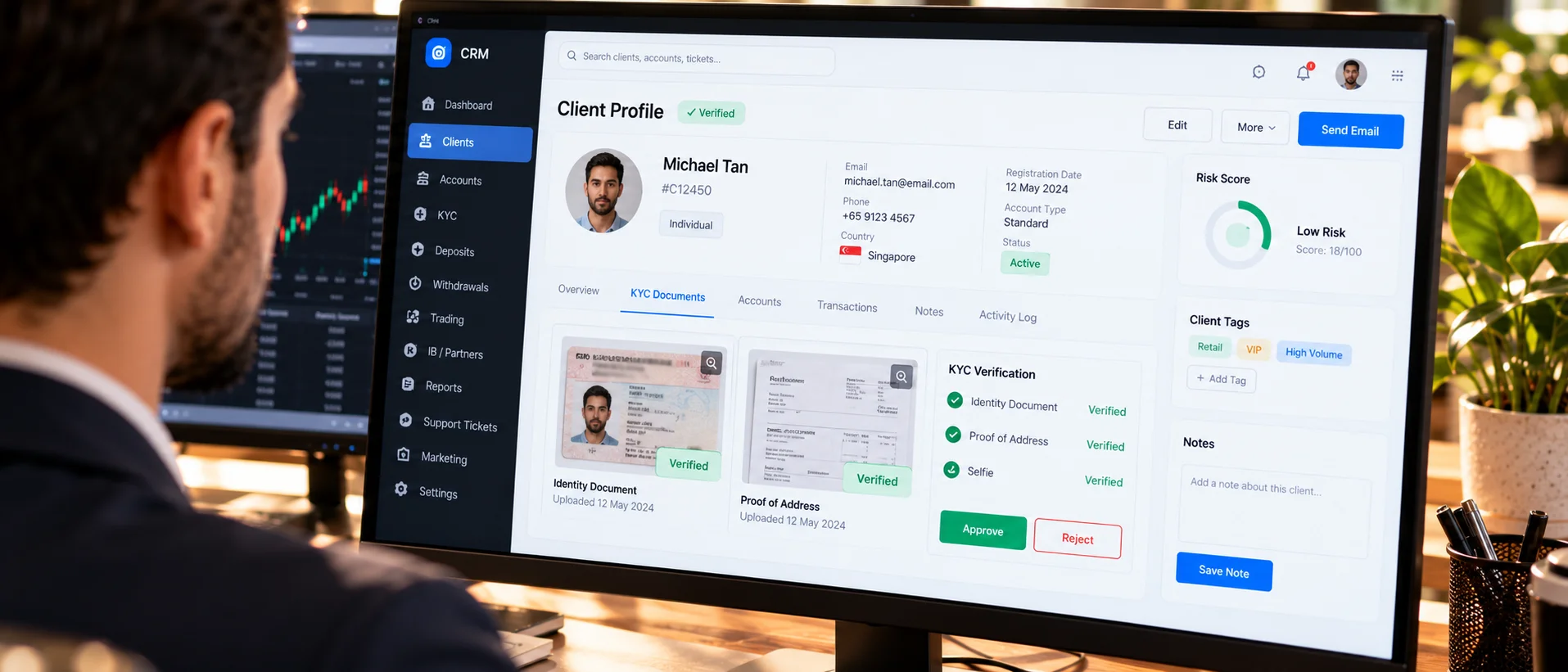
Ask the vendor to show lead capture, document review, account opening, a deposit approval and a ticket from start to finish. A polished dashboard hides slow workflows.
Commission logic and reports
If you will pay introducing brokers, test the commission rules with your real structure. Check the reports you need weekly and whether you can export them. Surprises here become disputes with partners.
Integration and migration costs
Connecting to MT5 and moving old data are separate work items. Ask for both as priced lines and read how the vendor treats the Manager API link before you compare totals.
Reference checks that matter
Ask vendors for two customers of similar size and call them. Ask about onboarding time, support response, surprises in billing and how upgrades were handled. Five honest minutes with a customer often reveal more than a long demo.
Common CRM buying mistakes
Choosing from a demo alone, ignoring migration effort, underestimating training and failing to test the commission rules. A further mistake is buying features you will not use for a year. Start with the workflows you need on day one and ask how the vendor handles growth.
Questions we hear
Is CRM included in a gray label?
No. CRM is optional and priced separately from the setup.
Can I change CRM later?
Yes, but moving data and retraining staff cost time. Choose carefully.