
Web trading platform: what to confirm before you buy.
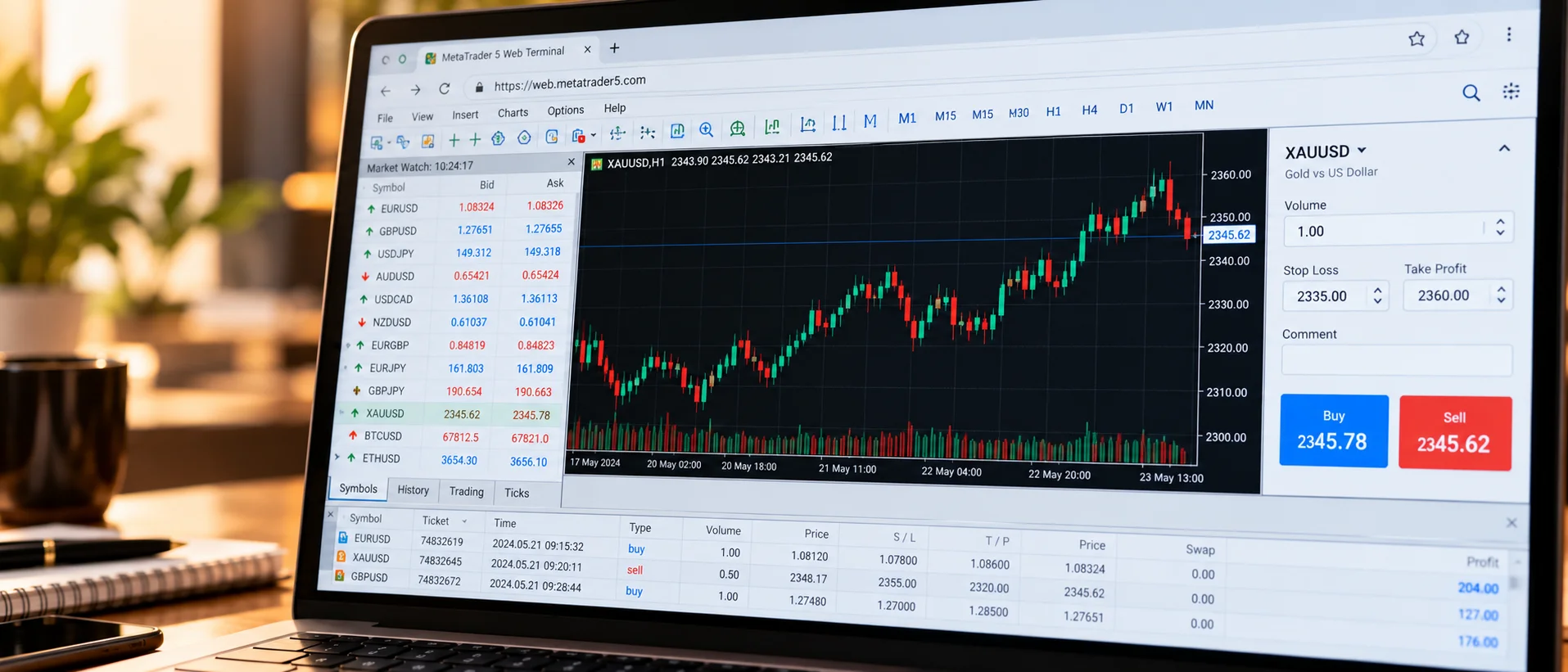
A browser terminal widens your reach because clients can trade without installing anything. As a buyer, make sure the version you pay for behaves well on the devices that matter to your market.

Try it like a client
Open the demo on your own phone, tablet and laptop. Place an order, add an indicator, change the layout, reset a password. Anything awkward in the demo will be worse at scale.
Branding, domain and limits
Check what is brandable and whether it runs on your domain. Ask what features your setup includes and which are optional. Some capabilities, such as depth of market, may depend on the platform configuration.
Security and integration
Confirm encrypted connections, session handling and second-factor options, and how the terminal connects to your CRM. Put the answers in the contract, not only the sales call.
What to put in the contract
Record the feature list you tested, the branding you will receive, the devices supported, uptime expectations and who fixes defects. Attach the demo notes as a schedule. When the product differs from the demo, you will have something concrete to point to.
Features worth paying for
Reliable order handling, clear charting, a good mobile layout, secure sign-in and an easy link to your CRM matter most. Extras such as exotic chart types matter less. Ask the seller which features are standard and which are paid options, and compare that list with what your clients are likely to use.
Questions we hear
Is a web trader included with MT5 setups?
It depends on the setup. Ask for it to be listed in the scope.
Does it replace a mobile app?
It can overlap with one, but many brokers offer both.