
Forex mobile trading app: check these before you pay.
A mobile app is often the first thing your client sees. As a buyer, judge it on the whole journey from sign-up to funding, not on a feature list.
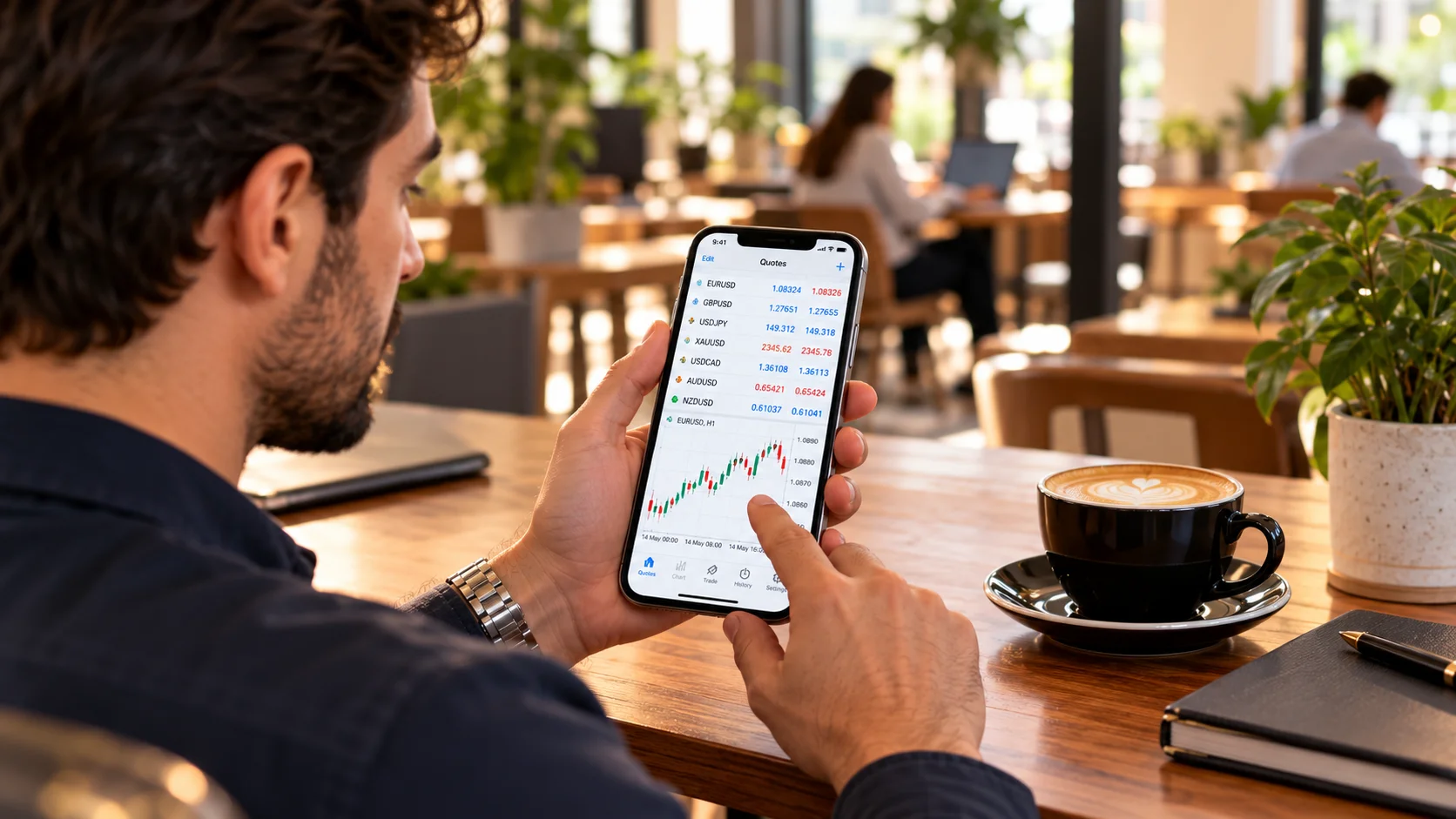
Walk the full journey
Create an account, verify your email, upload a document, fund, and place a trade. Count the steps and note where you would give up. Every extra step costs sign-ups.
Features that earn their place
Dashboard, wallet actions, notifications and profile settings are standard. Ask which are included in the price and which are future work. A roadmap is not a feature.

Integration costs
The app must talk to your CRM and trading server. That integration can be the largest cost line, so ask for it to be priced separately and linked to your Manager API scope.
Questions about ownership
Ask who owns the source code, who holds the store accounts, and what happens to the app if you leave the vendor. These answers decide whether the app is an asset or a rental. Put them in the contract and keep copies of credentials in a secure place.
Hidden costs to watch
Developer account fees, push notification services, translation, store submission help, and changes needed when the operating system updates. None are dramatic alone, but together they matter. Ask the vendor to list recurring costs and include them in your budget before you compare quotes.
Questions we hear
Do app stores cost extra?
Developer accounts have their own fees, paid to the store. Ask what the vendor charges for submission help.
Can I see a live demo?
You should. Insist on one before paying.